
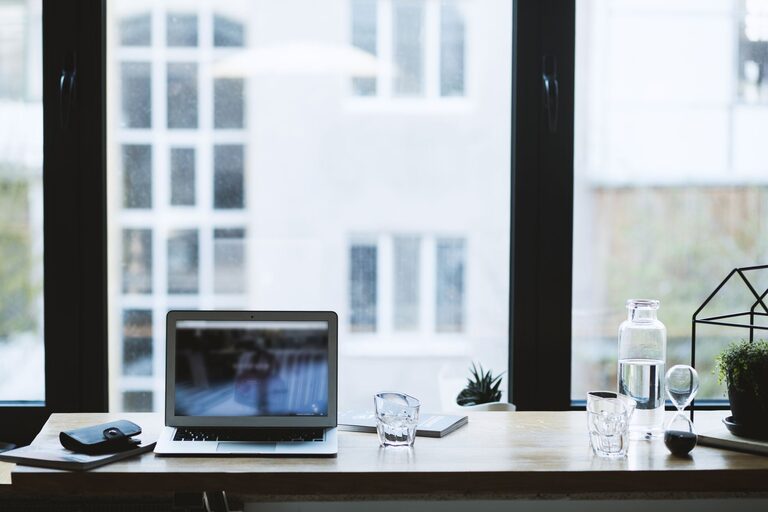
Creating a home office that is both comfortable and productive is essential, especially as many people continue to work remotely or in hybrid settings. A well-designed workspace can improve focus, reduce stress, and help maintain a healthy work-life balance. Here are practical tips to help you create an environment where you can do your best work.
Choose the Right Space
Find a Dedicated Area
Select a quiet corner or a separate room for your office. A dedicated space minimizes distractions and signals to your brain that it’s time to work. Even a small nook can work if set up properly.
Consider Natural Light
Position your desk near a window if possible. Natural light can boost mood and energy levels throughout the day. Avoid direct glare on your computer screen by using adjustable blinds or curtains.
Invest in Ergonomic Furniture
Comfortable Chair
Invest in a chair with adjustable height, lumbar support, and comfortable cushioning. Sitting for long periods can strain your back and neck, so good support is key.
Appropriate Desk
Choose a desk with enough surface area for your computer, notebooks, and other essentials. Adjustable-height desks are ideal as they allow you to alternate between sitting and standing.
Optimize Lighting
Use Layered Lighting
Combine natural light with artificial sources. Desk lamps or floor lamps with adjustable brightness help reduce eye strain during late hours.
Choose the Right Bulbs
Use daylight or soft white bulbs with a color temperature of around 4000K to 5000K to keep your workspace bright but comfortable.
Organize Your Space
Declutter Regularly
A tidy area keeps your mind clear. Use organizers, shelves, or drawers to store supplies. Regularly remove unnecessary items.
Keep Essentials Within Reach
Arrange frequently used tools and devices close by to avoid constant stretching or getting up, saving time and effort.
Manage Technology Efficiently
Reliable Internet
Ensure you have a fast and stable internet connection to avoid disruptions during conference calls or uploads.
Invest in Quality Equipment
Use a good monitor, keyboard, and mouse to reduce strain and improve efficiency. Consider noise-canceling headphones if your home is noisy.
Personalize Your Environment
Add Plants
Indoor plants improve air quality and add a touch of nature, which can reduce stress and increase happiness.
Decorate Thoughtfully
Choose calming colors and add personal touches like artwork or photos to make your space inviting without overwhelming it.
Practice Healthy Work Habits
Set a Schedule
Define clear working hours to maintain boundaries between work and personal life. Take regular breaks to stretch and move.
Maintain Good Posture
Sit straight with feet flat on the floor, and keep your screen at eye level. Adjust your chair and desk to promote healthy posture throughout the day.
Improve Air Quality and Comfort
Ventilate Often
Open windows or use an air purifier to keep fresh air circulating, which helps keep you alert and comfortable.
Control Temperature
Use fans, heaters, or air conditioning to maintain a pleasant room temperature, ideally between 20–22°C (68–72°F).
Minimise Noise Distractions
Use Soft Furnishings
Carpets, curtains, and cushions absorb sound and reduce echo, creating a quieter space.
Background Sounds
Consider white noise machines or soft background music if complete silence is distracting or distracting noises are around.
—
Setting up a comfortable and productive home office doesn’t have to be complicated or expensive. By focusing on good lighting, ergonomic furniture, organization, and a pleasant atmosphere, you can create a space that helps you stay focused and feel good throughout your workday. Remember that small adjustments can make a big difference, so gradually tweak your setup until it feels just right.